🏠💾 Building a Home NAS - Raspberry Pi 5 + OMV + RAID 5
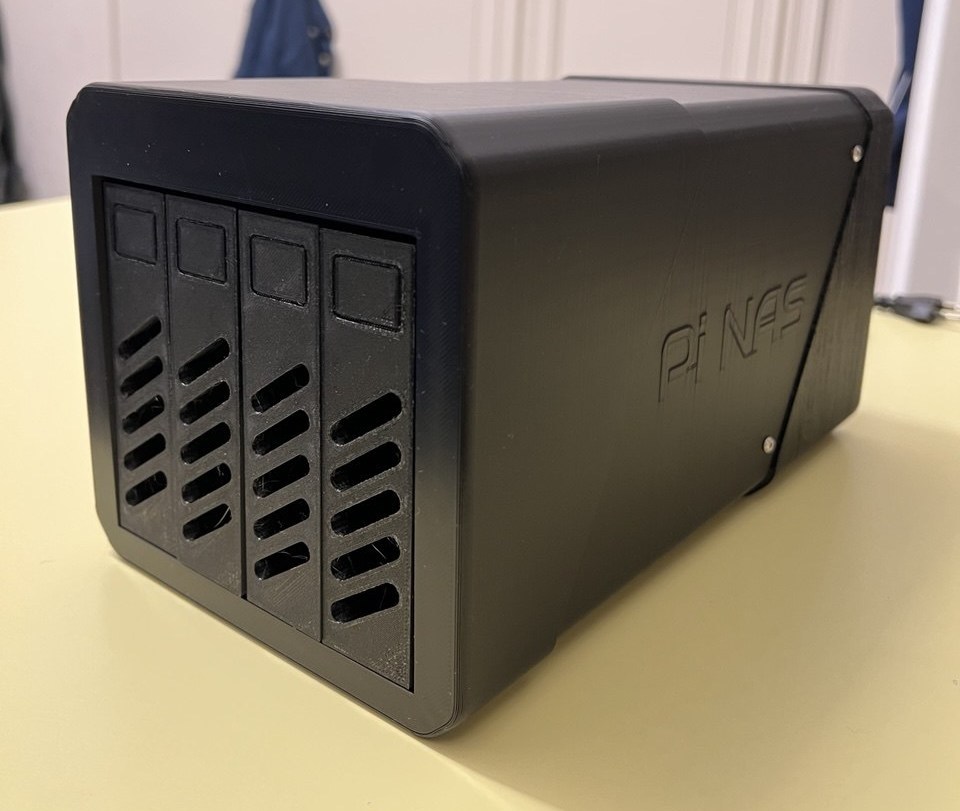
i decided to replace my cloud storage subscriptions with a fully self-hosted solution. the result is a raspberry pi 5 running openmediavault with a raid 5 array, hosting nextcloud and immich — accessible from anywhere via cloudflare tunnel.
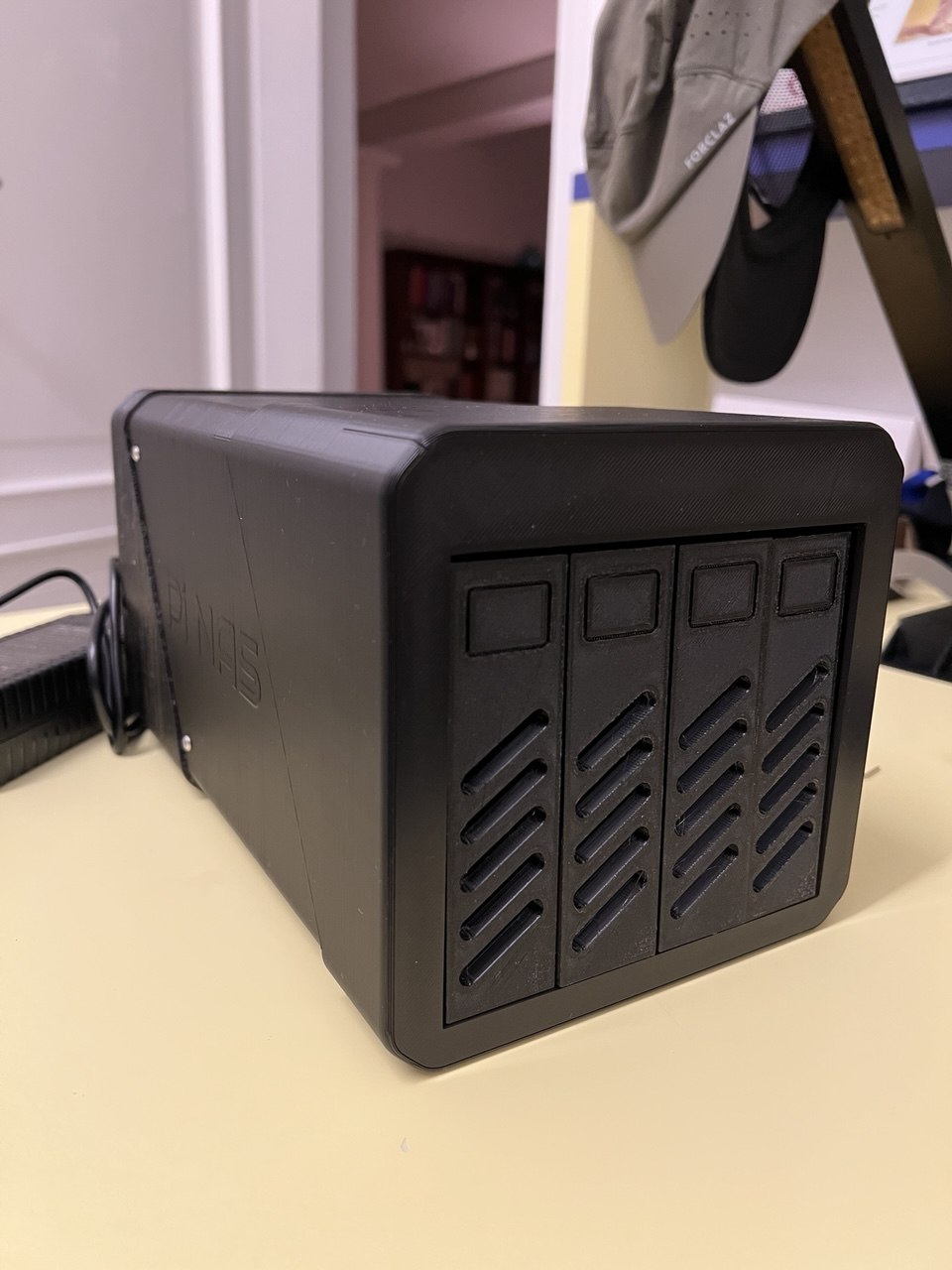
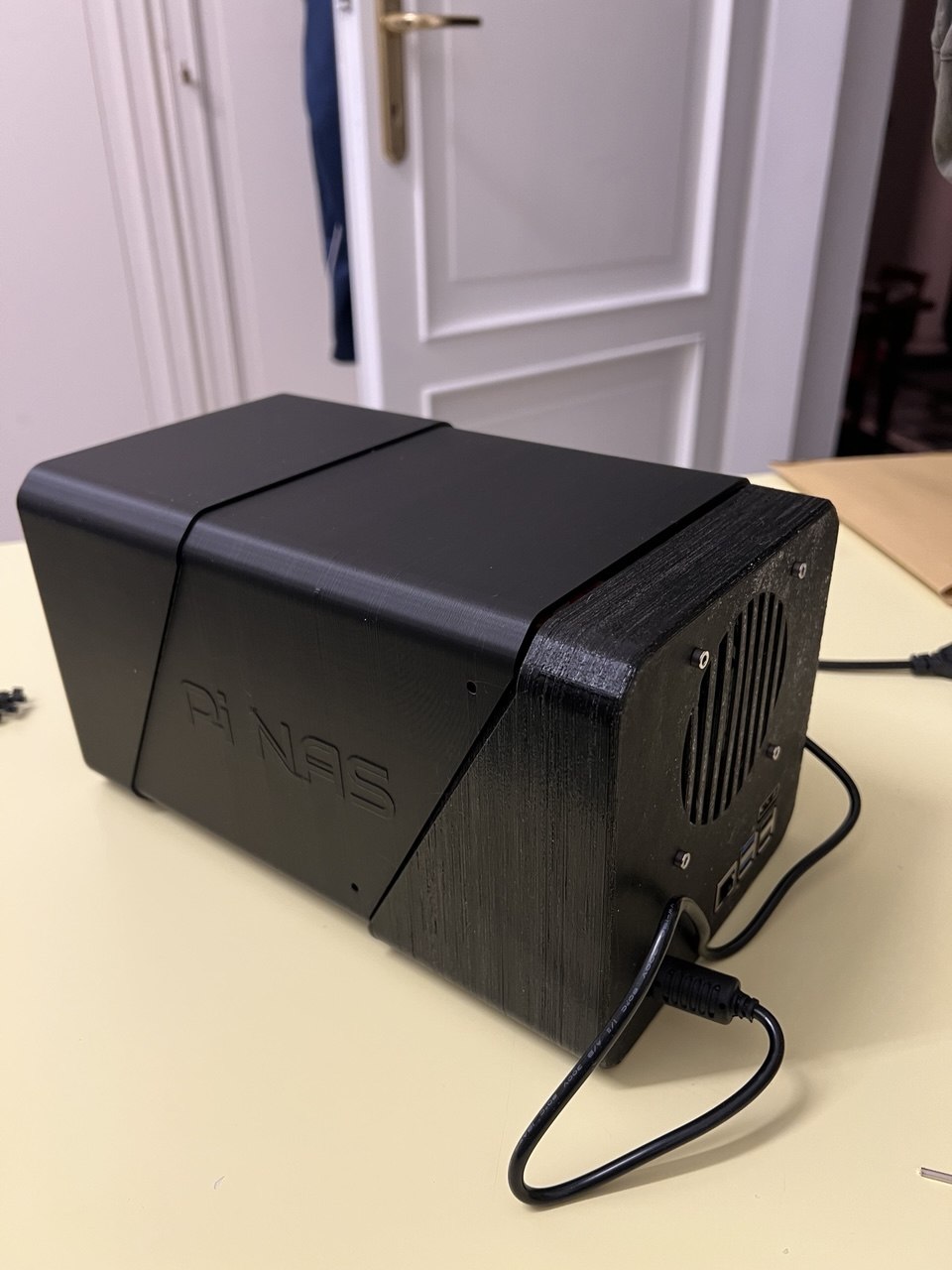
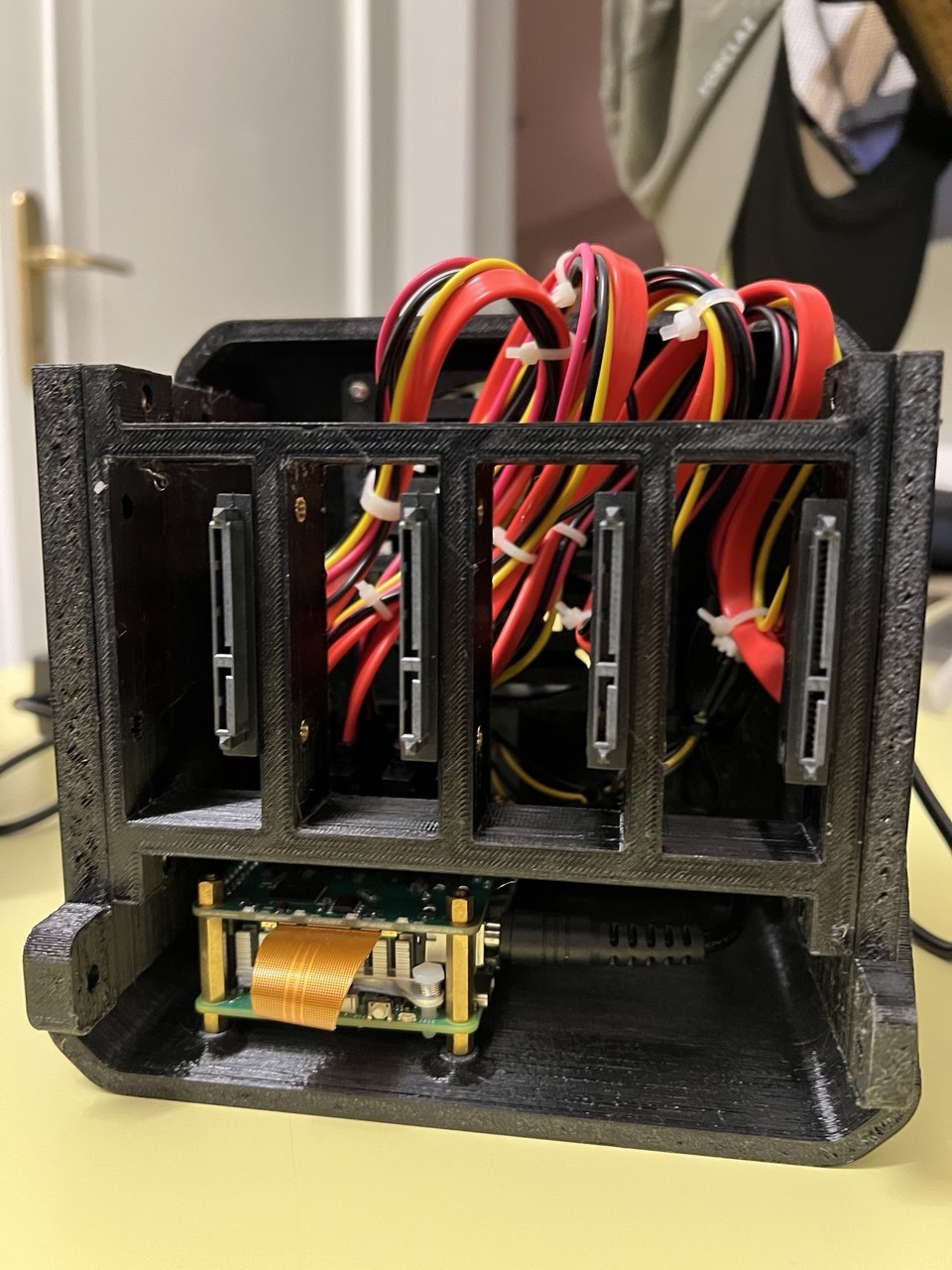
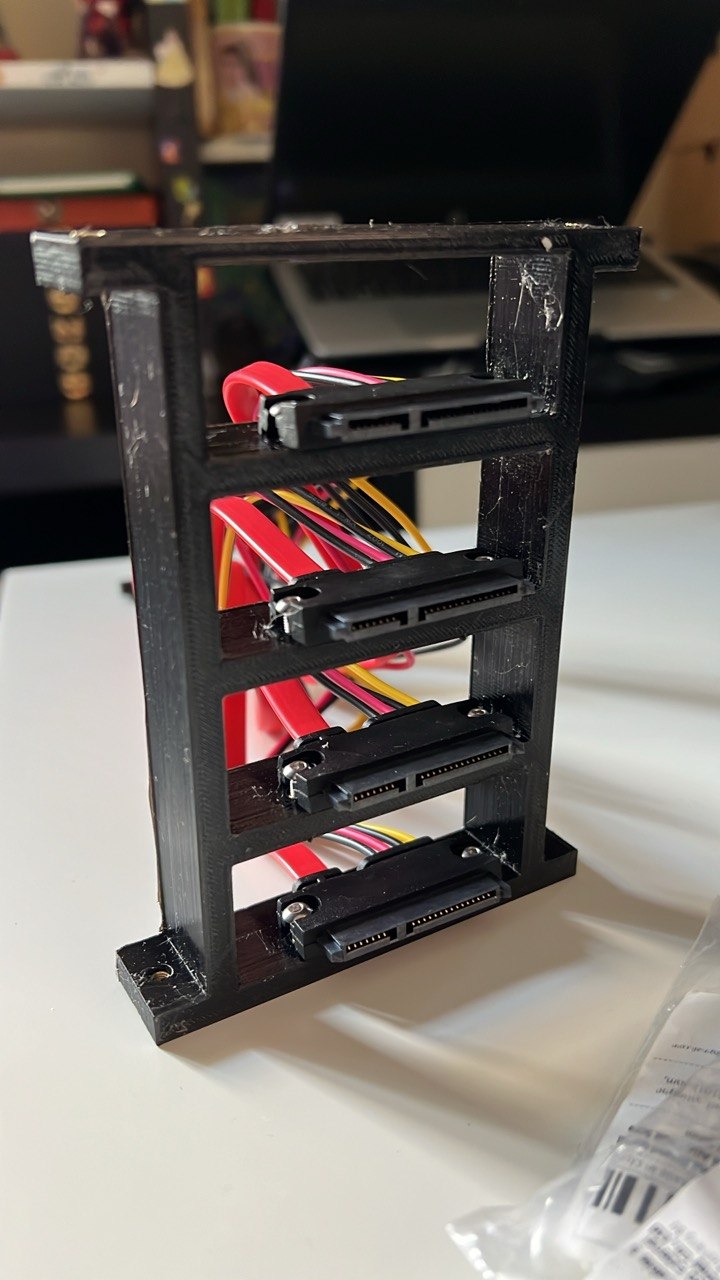
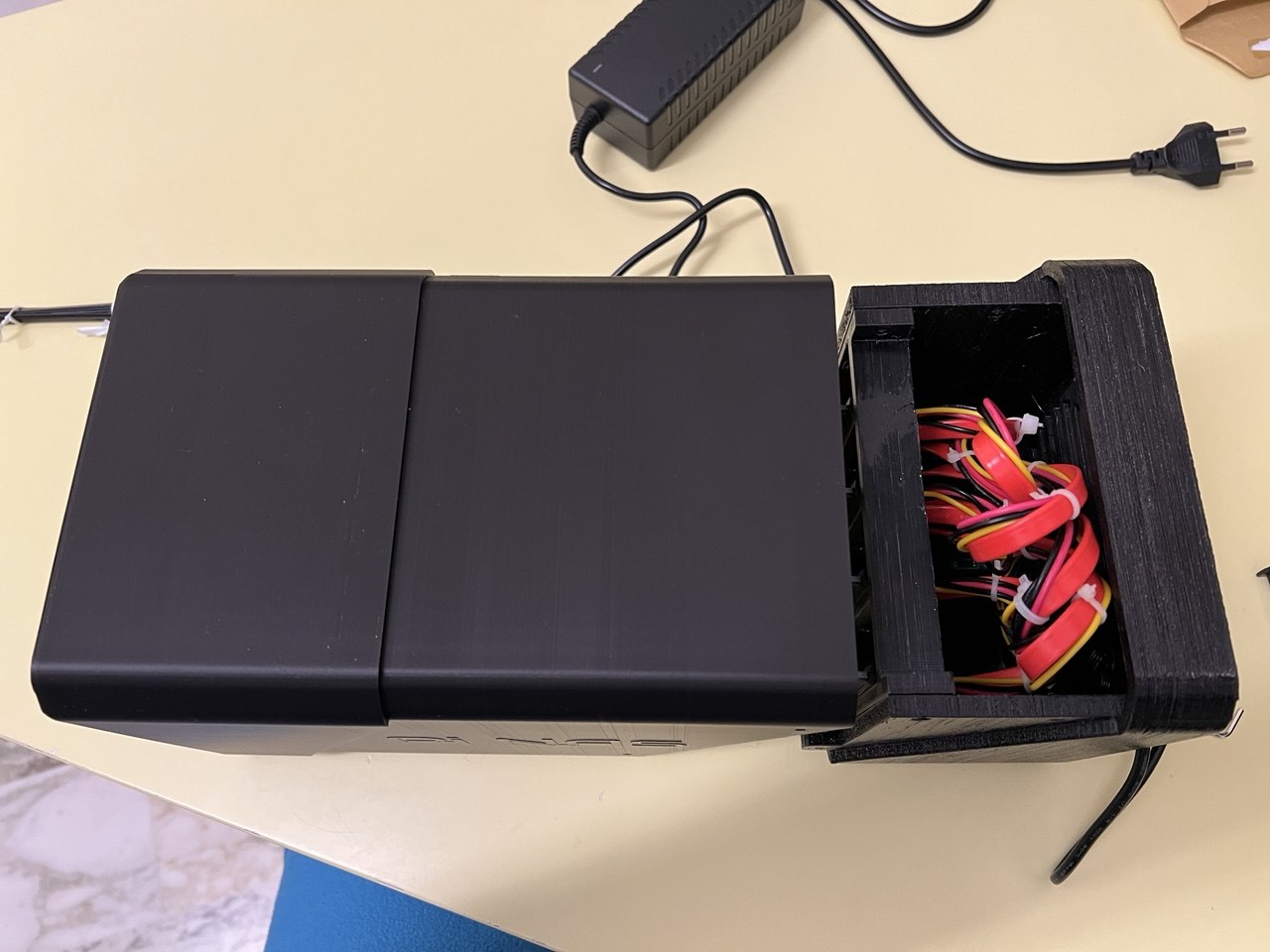
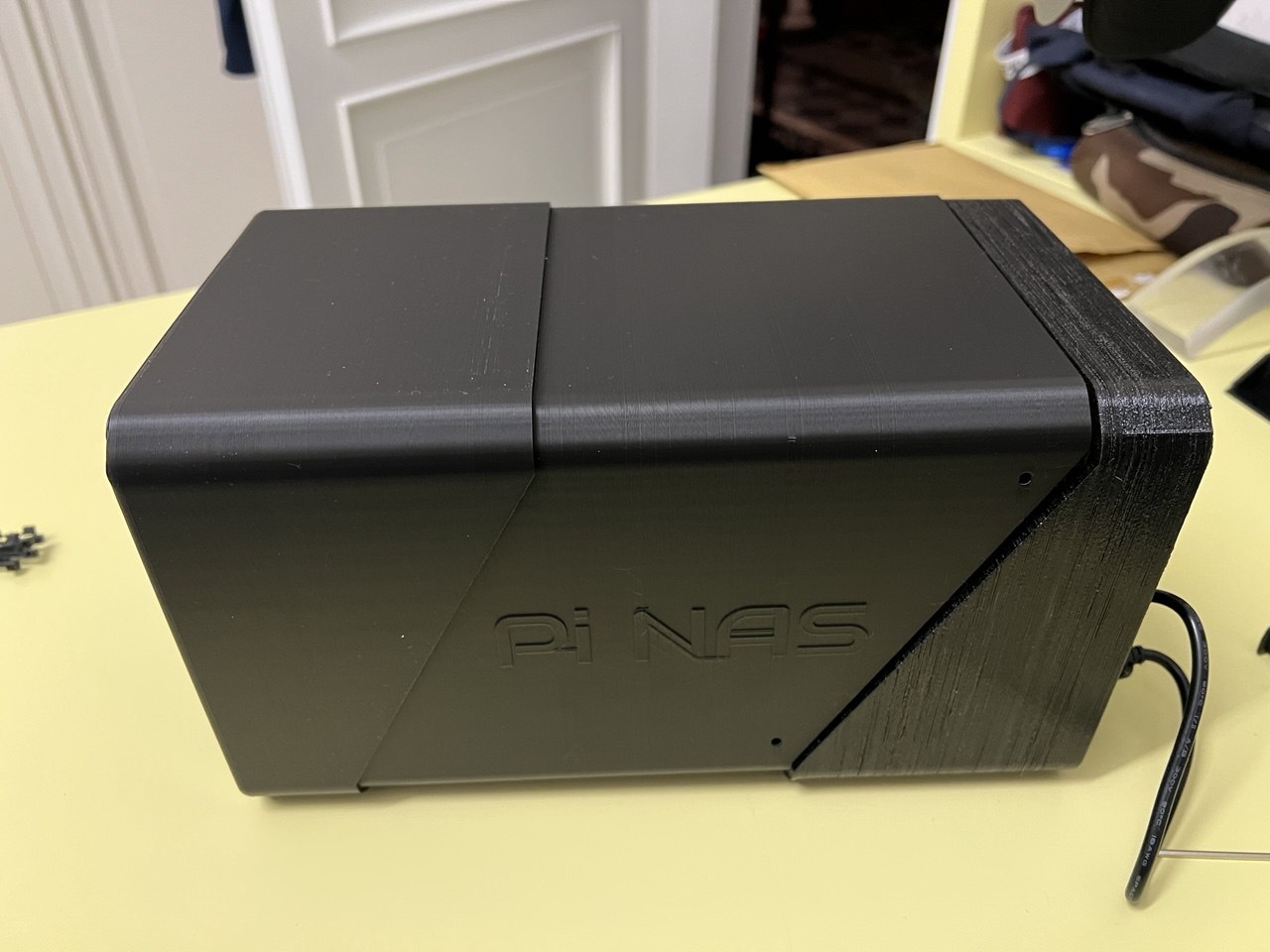
🔧 Hardware
| component | details |
|---|---|
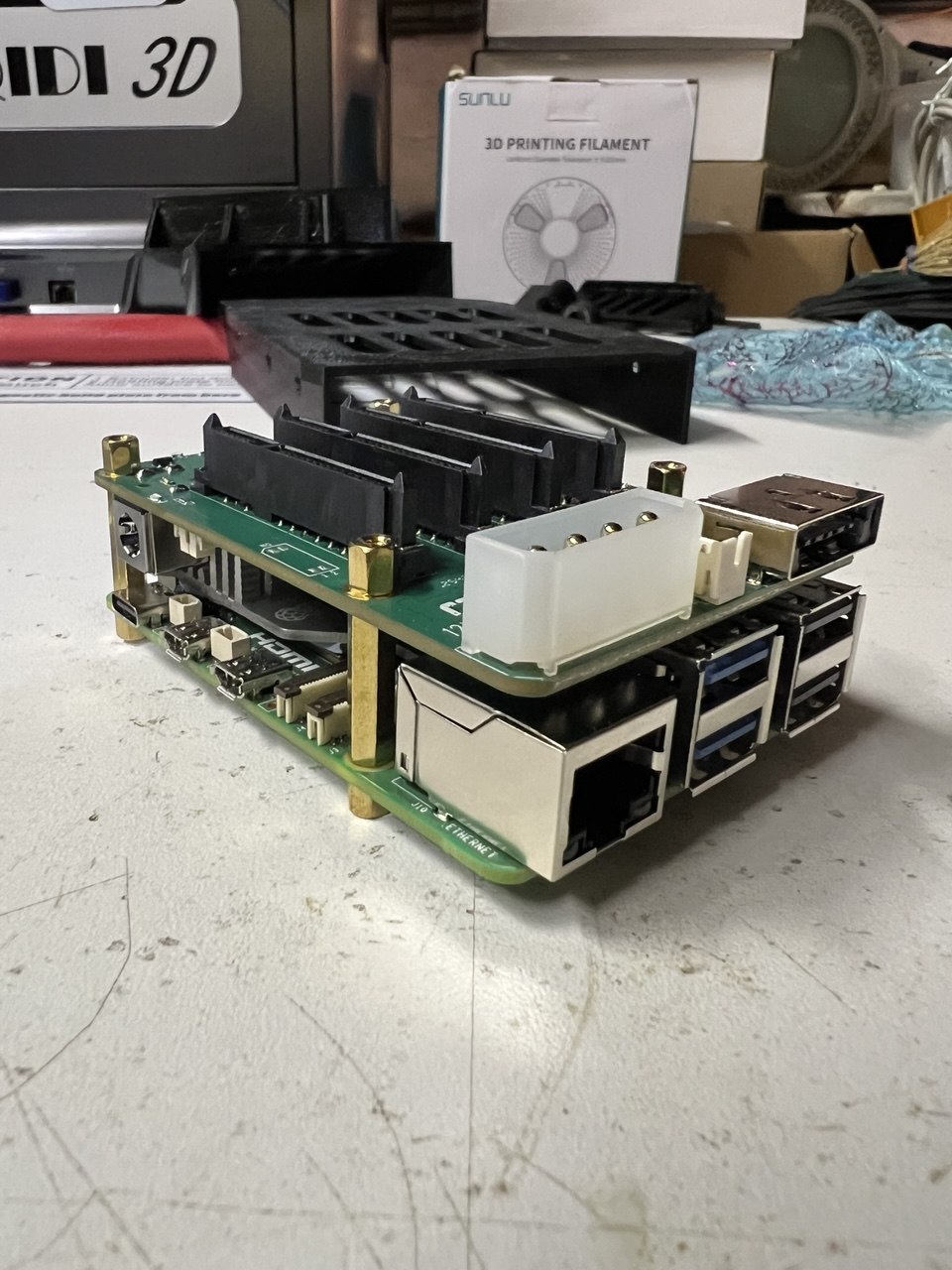
| sbc | raspberry pi 5 |
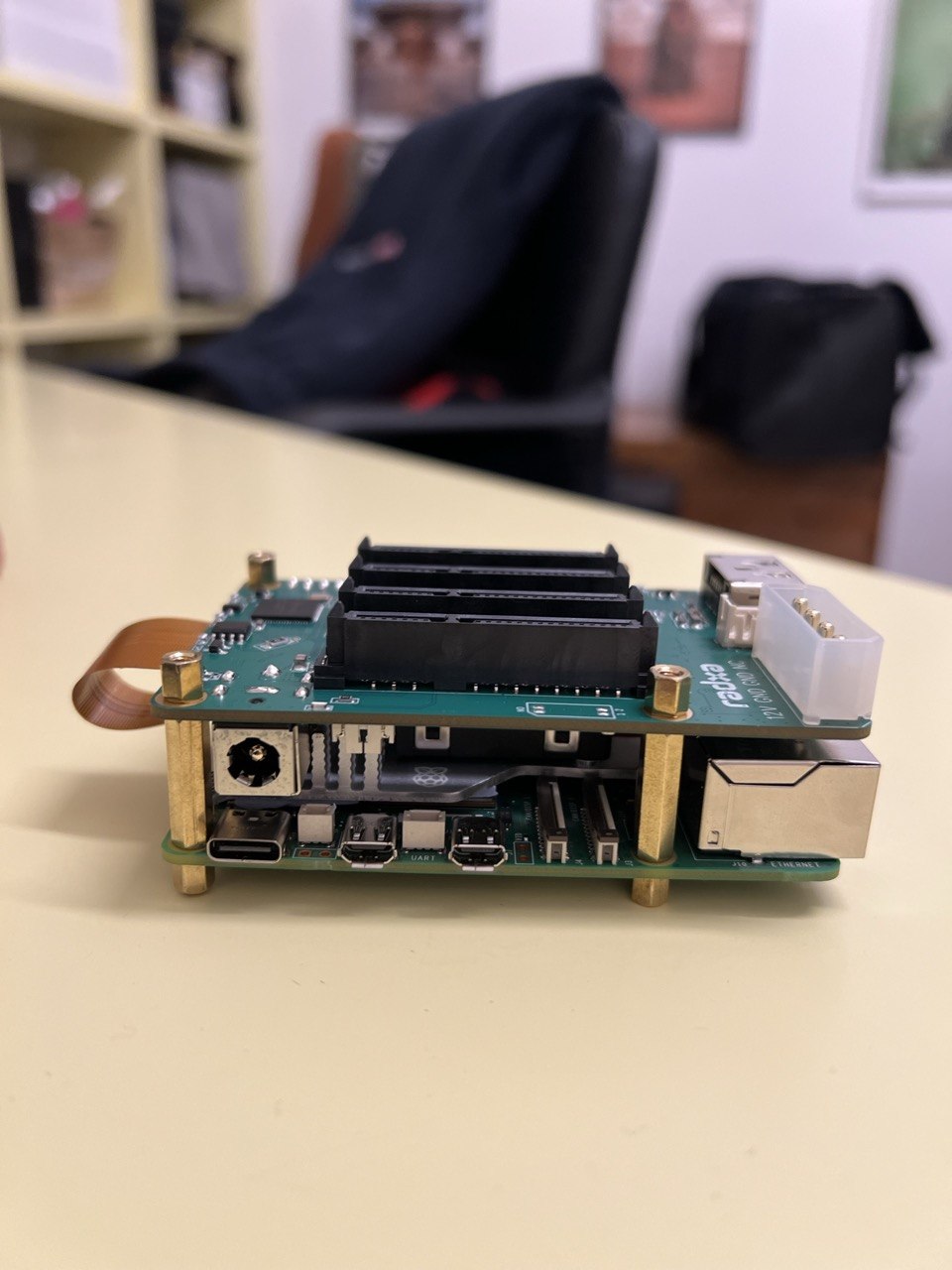
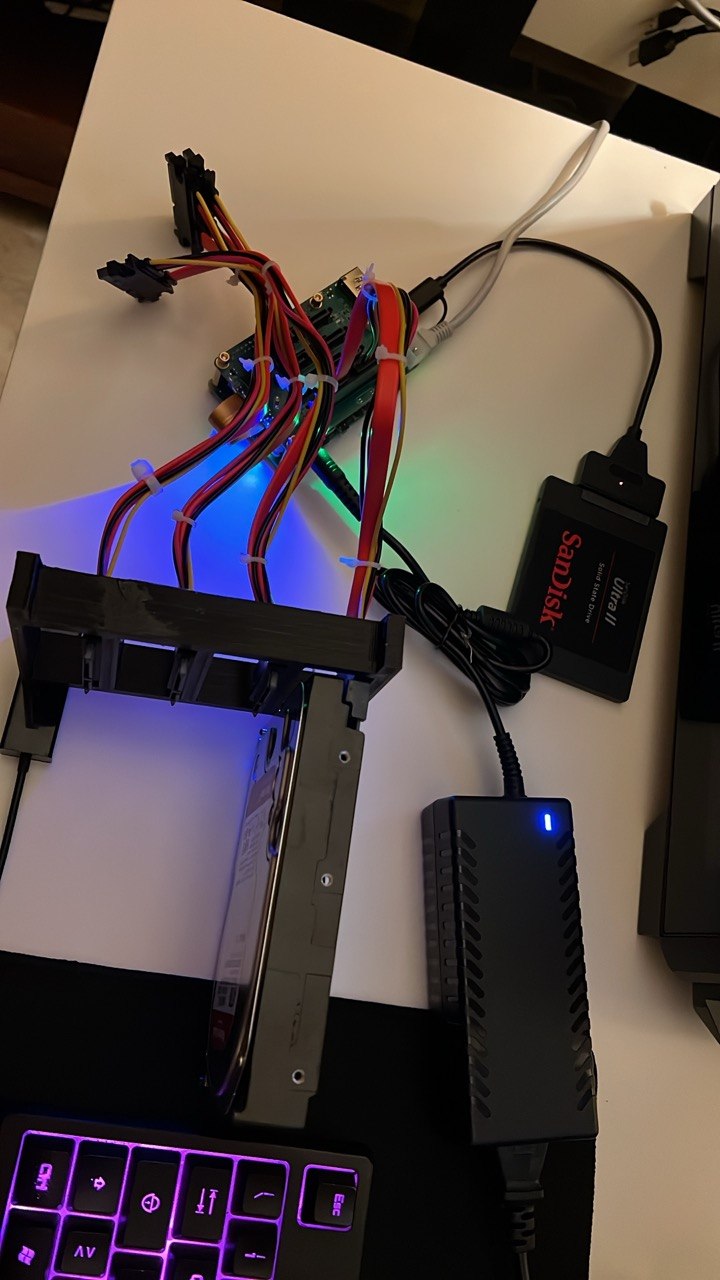
| sata hat | radxa sata hat |
| storage | 4× wd red plus 4tb |
| boot drive | sandisk ultra ii 240gb ssd (usb 3.0) |
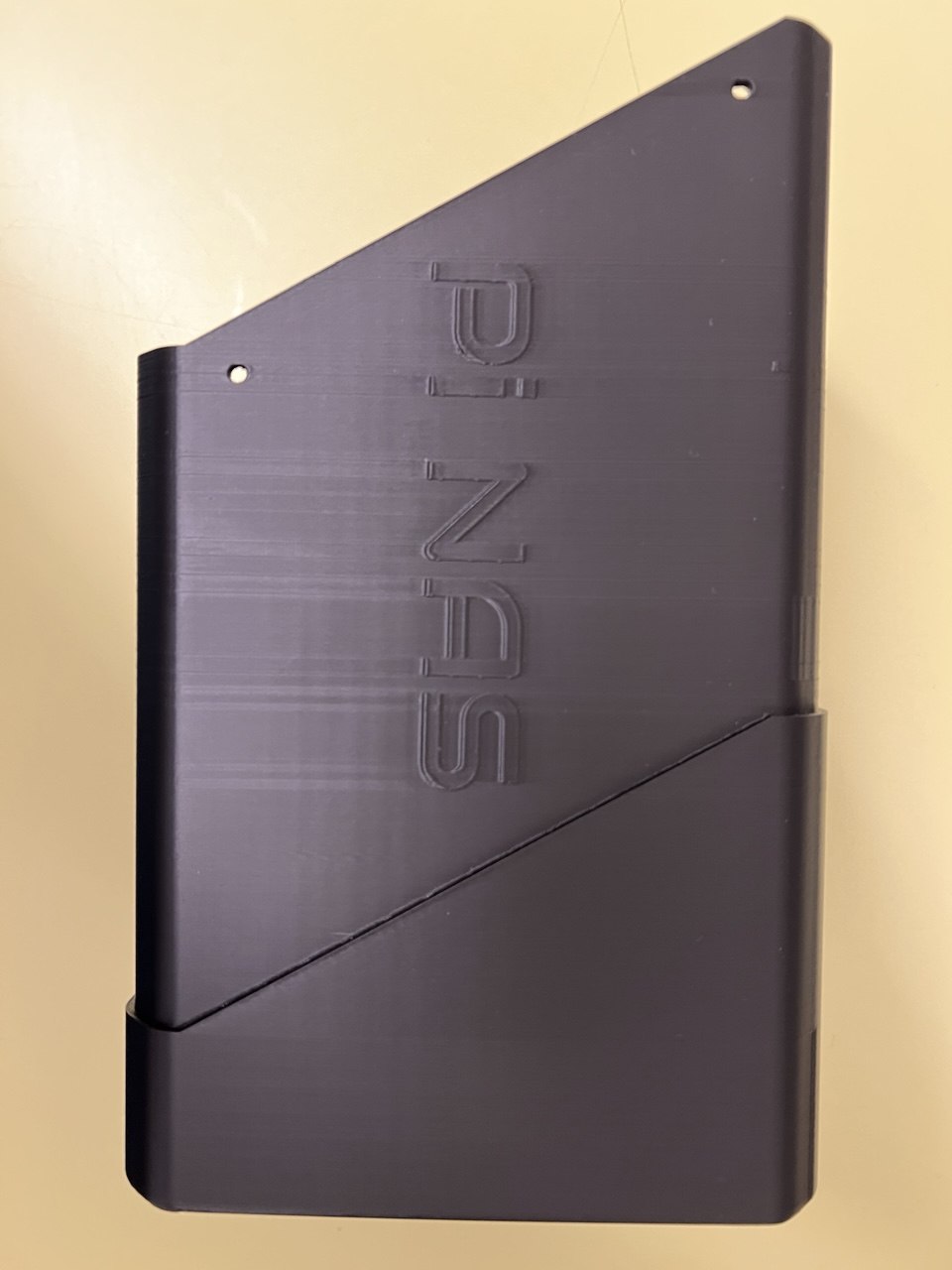
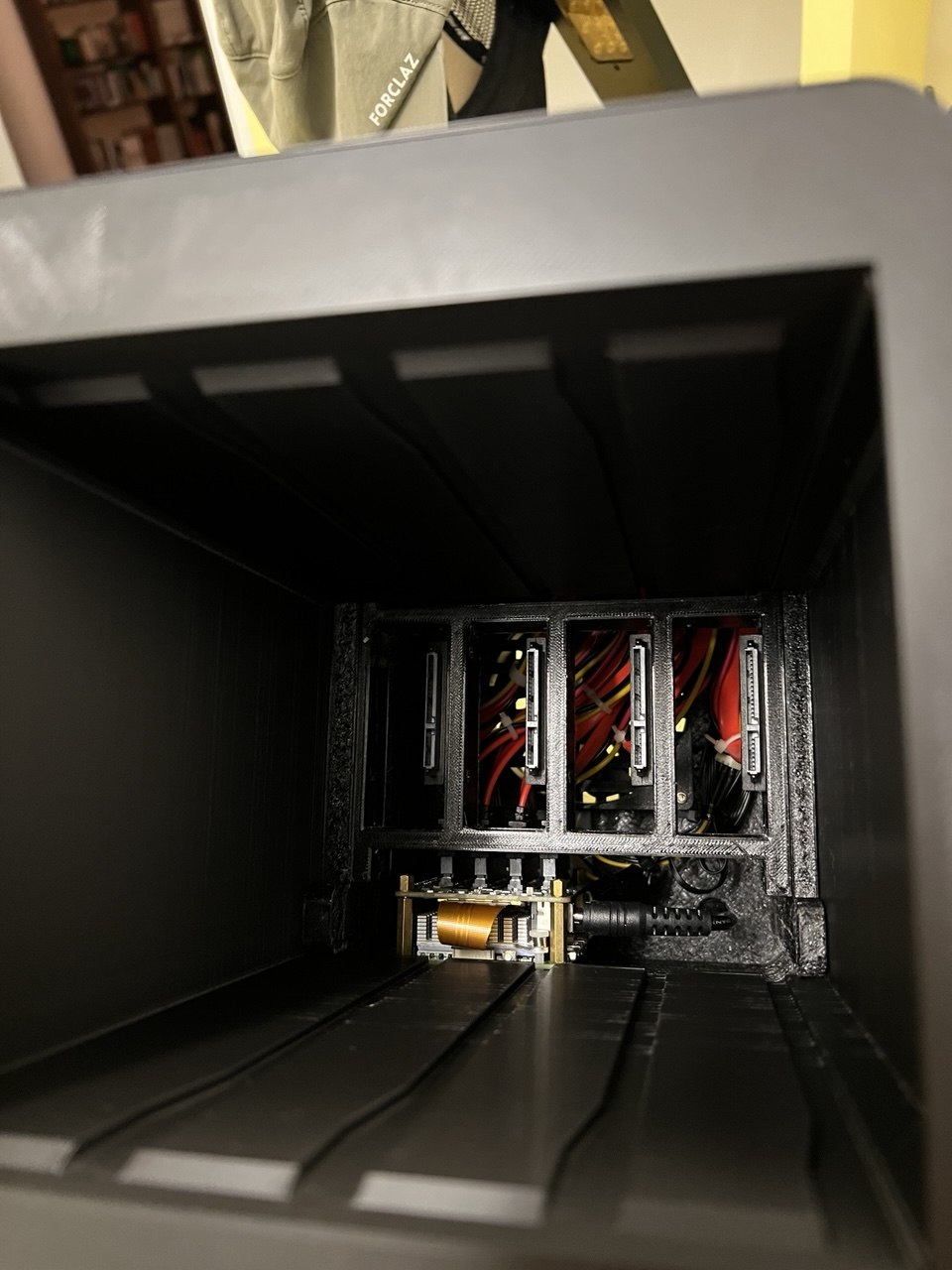
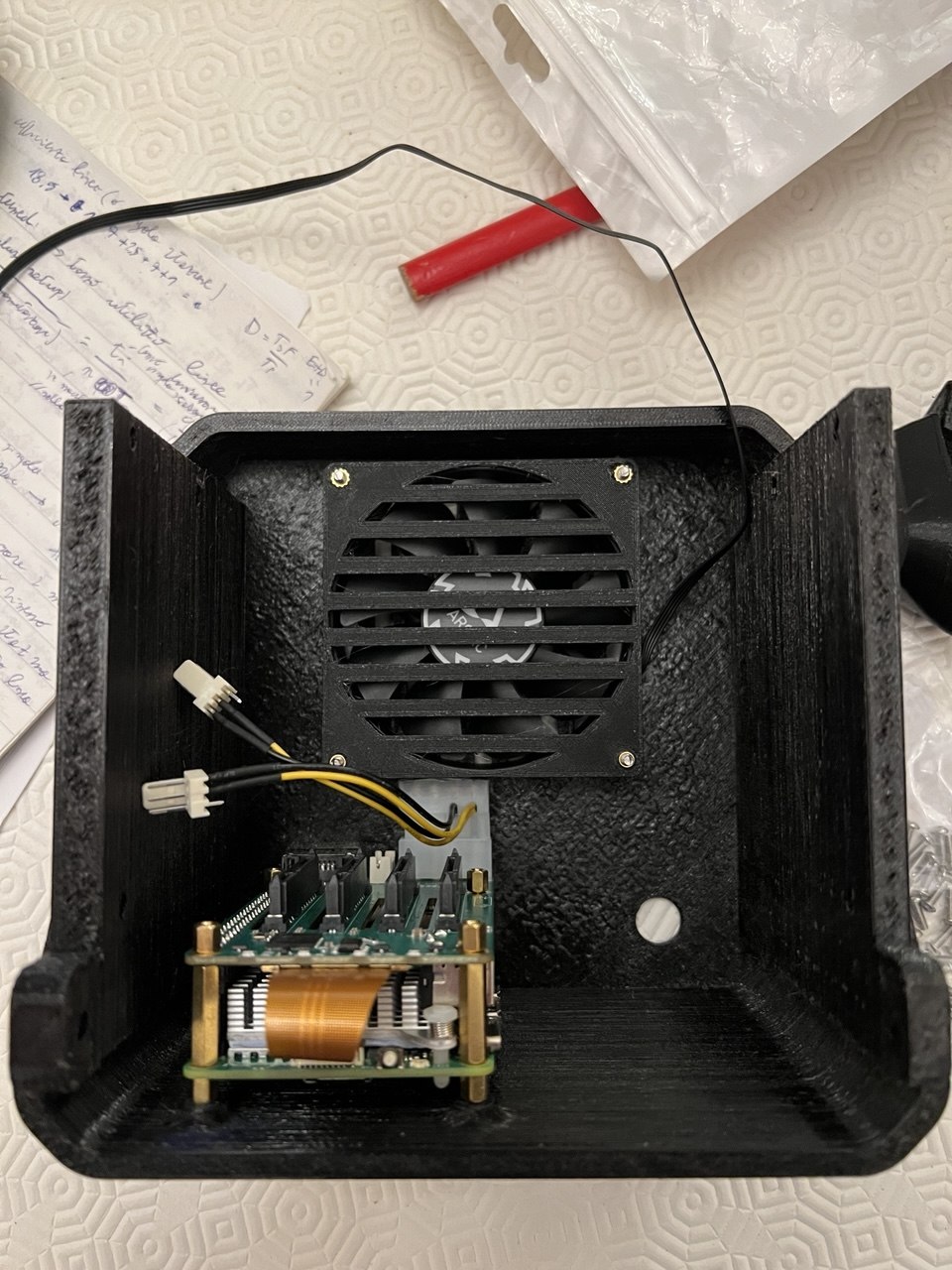
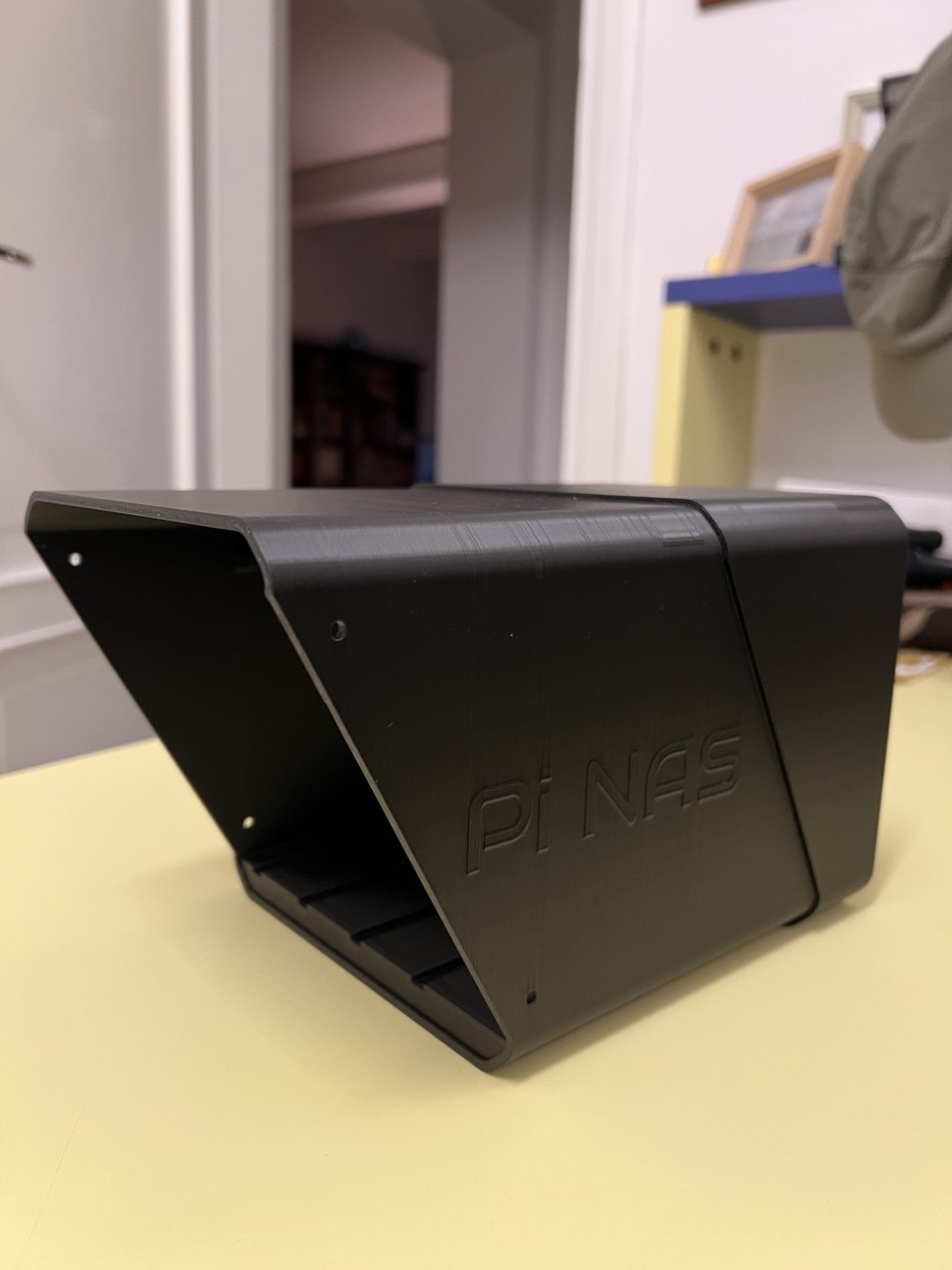
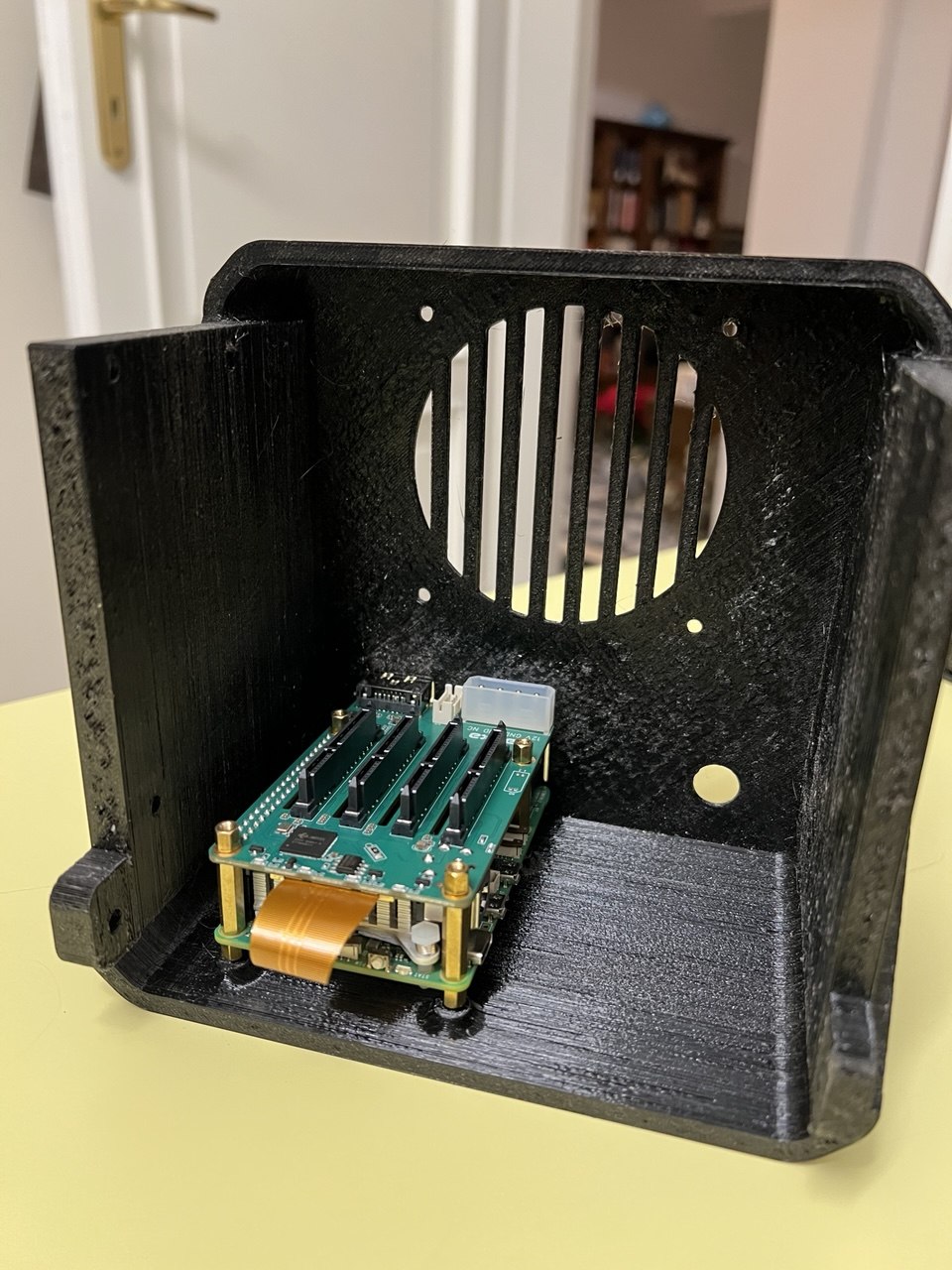
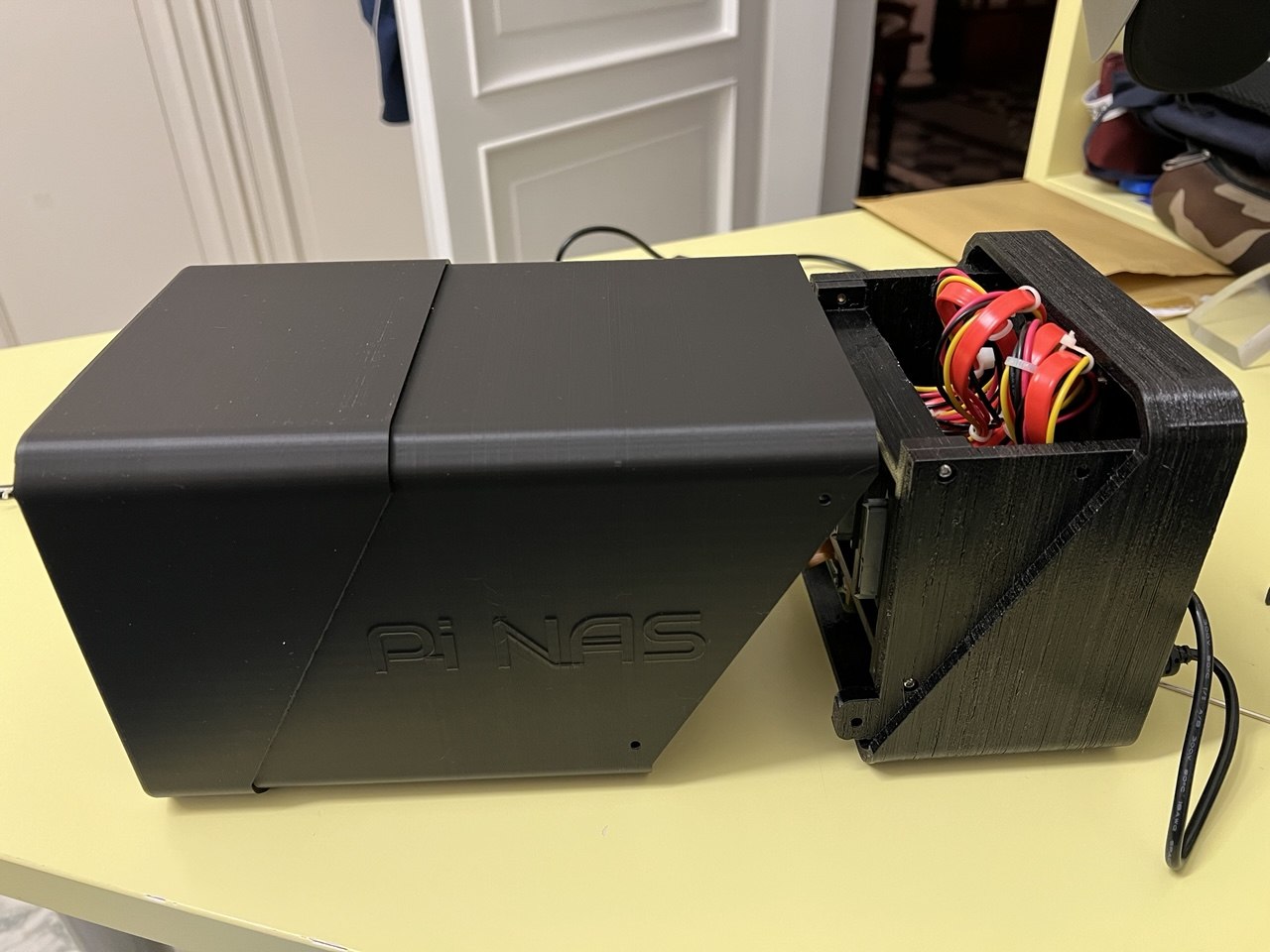
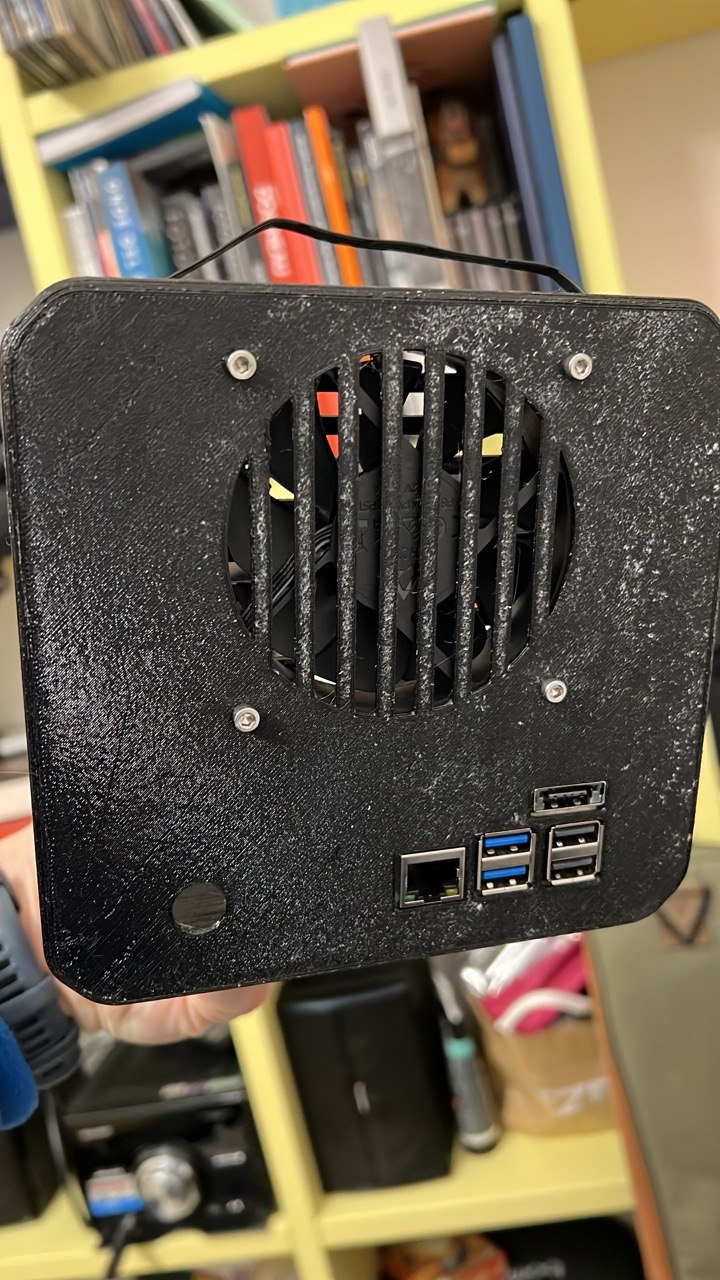
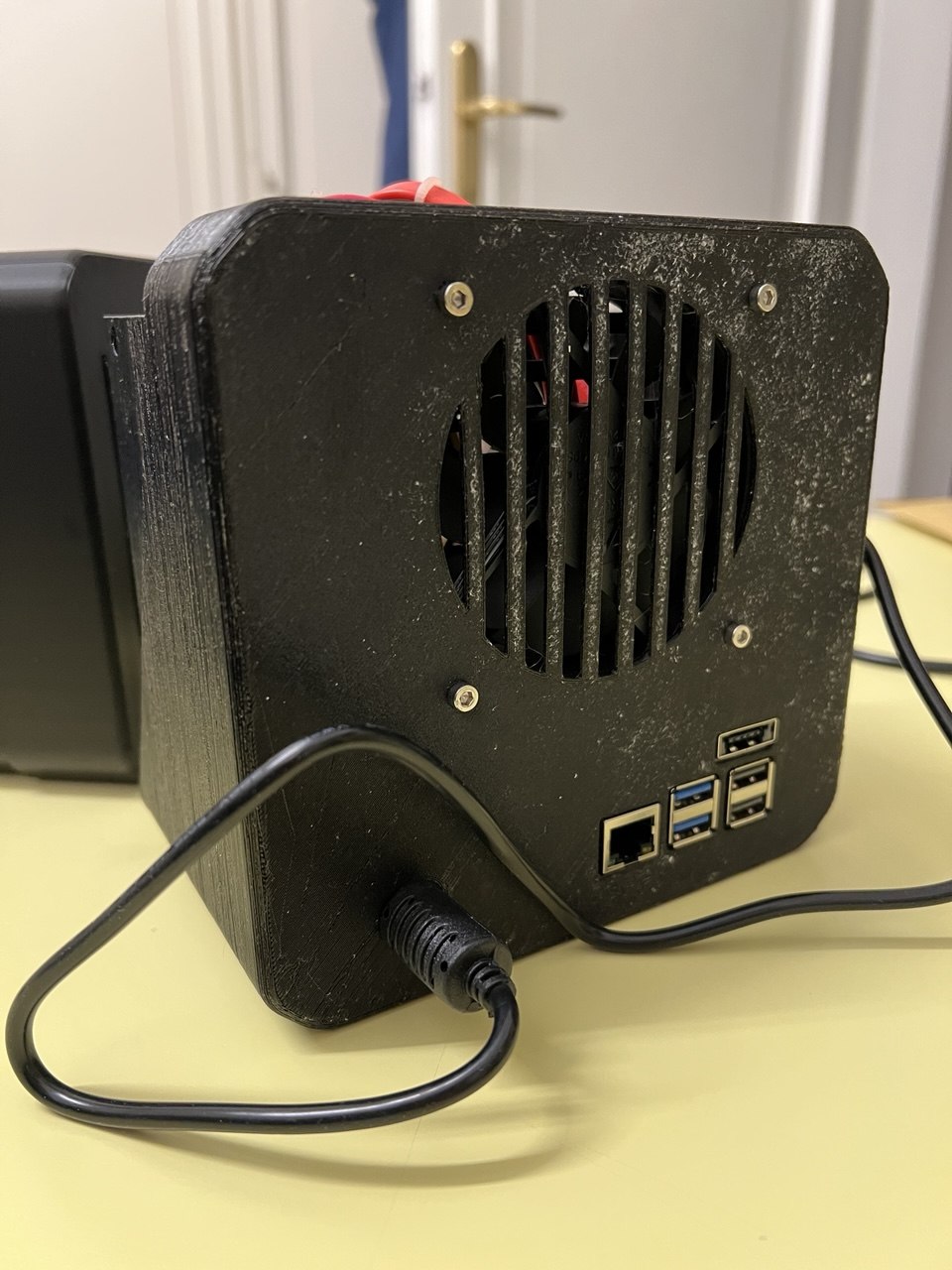
| case | custom 3d printed |
🏗️ Architecture
openmediavault handles the os-level storage management — raid setup, smart monitoring, scheduled scrubs — while docker runs all the application services on top.
storage is organized as a raid 5 array across the four data drives, giving ~10.9 tb of usable space with single-drive fault tolerance. the boot drive is a separate usb 3.0 ssd, keeping the os off the array.
external access goes through a cloudflare tunnel — no ports are open on the router. both services are reachable via public hostnames and fall back to direct lan access automatically when on home wifi.
1
2
3
4
internet → cloudflare tunnel → raspberry pi 5
                                 ├── openmediavault (storage/raid management)
                                 ├── nextcloud  → custom domain
                                 └── immich     → custom domain
💿 RAID 5
raid 5 stripes data and parity across all drives. with 4× 4tb drives, 3 drives worth of space (~10.9 tb) is usable and 1 drive equivalent is distributed parity — meaning any single drive can fail and all data remains intact. once a failed drive is replaced, the array rebuilds itself automatically.
| metric | value |
|---|---|
| level | raid 5 |
| drives | 4× 4tb |
| usable capacity | ~10.9 tb |
| fault tolerance | 1 drive failure |
| filesystem | xfs |
compared to other levels:
- raid 1 (mirroring): only 50% capacity, better for small critical data
- raid 6: tolerates 2 failures, but loses another drive worth of capacity
- raid 10: best performance and rebuild safety, but only 50% capacity
raid 5 hits the sweet spot for a home nas: good capacity efficiency, acceptable redundancy, and reasonable rebuild times.
important: raid is not a backup. a second drive failing during a rebuild — especially on older drives under sustained stress — means total data loss. always keep an offline backup.
🌥️ Nextcloud & Immich
☁️ nextcloud
nextcloud — personal cloud storage accessible via a custom domain. it handles file sync across desktop and mobile, calendar, contacts, and photo auto-upload. stack includes mariadb and redis.
📸 immich
immich — google photos replacement accessible via a custom domain. it provides automatic phone photo backup, facial recognition, object detection, and a clean mobile app. stack includes postgresql with vectorchord and a dedicated ml container for on-device inference.
both services store all data on the raid array and run daily automated database dumps with 7-day retention.
⚡ Power Consumption & Cooling
the entire setup draws ~30–35 w under normal load, translating to roughly 25–30 kwh/month.
cooling is handled by an 80mm fan mounted in the 3d printed case with dedicated airflow channels for both the pi and the drives. the pi 5 runs with a heatsink, and docker container cpu limits prevent thermal spikes during heavy ml workloads — cpu stays below 70°c under sustained load.
📊 Performance & Limitations
what works well:
- file transfers saturate gigabit ethernet (~110 mb/s)
- photo streaming and browsing in immich is instant
- 5 concurrent users without noticeable slowdown
bottlenecks:
- ml processing (facial recognition, smart search) is slow on arm — ~2–5 photos/sec
- video transcoding is cpu-limited; original quality playback is recommended
- raid 5 write overhead adds latency on large sequential writes
💰 Total Cost
| item | cost (approx) |
|---|---|
| raspberry pi 5 | €80 |
| radxa sata hat | €40 |
| 4× wd red plus 4tb | €400 |
| sandisk 240gb ssd | €30 |
| 12v power supply | €20 |
| 3d printed case | €15 |
| cables & misc | €15 |
| total | ~€600 |
monthly electricity cost is ~€3.50 (25–30 kwh × €0.13/kwh), cheaper than most cloud storage subscriptions while offering 5× the capacity and full data ownership.
🎯 Lessons Learned
- use only new drives: mixing old and new drives in raid 5 can lead to cascading failures during rebuilds
- test before racking: validate drives and thermal behavior outside the case first
- raid ≠ backup: always maintain an offline backup in addition to the array
- get a ups: a power outage was the root cause of my only failure event
- document everything: compose files and configs backed up securely — saves a lot of pain during recovery
🎬 Conclusion
this nas has been running 24/7 for months and fully replaced google photos and dropbox in my daily workflow. the raspberry pi 5 is genuinely capable for this use case — the improved cpu and i/o compared to previous generations make a real difference.
for anyone interested in self-hosting, the combination of openmediavault + nextcloud + immich on a pi 5 is a solid, cost-effective starting point. initial setup takes some patience, but the result is a private, flexible, and surprisingly performant home server.